


RingUS | RingItsUS
A Feature
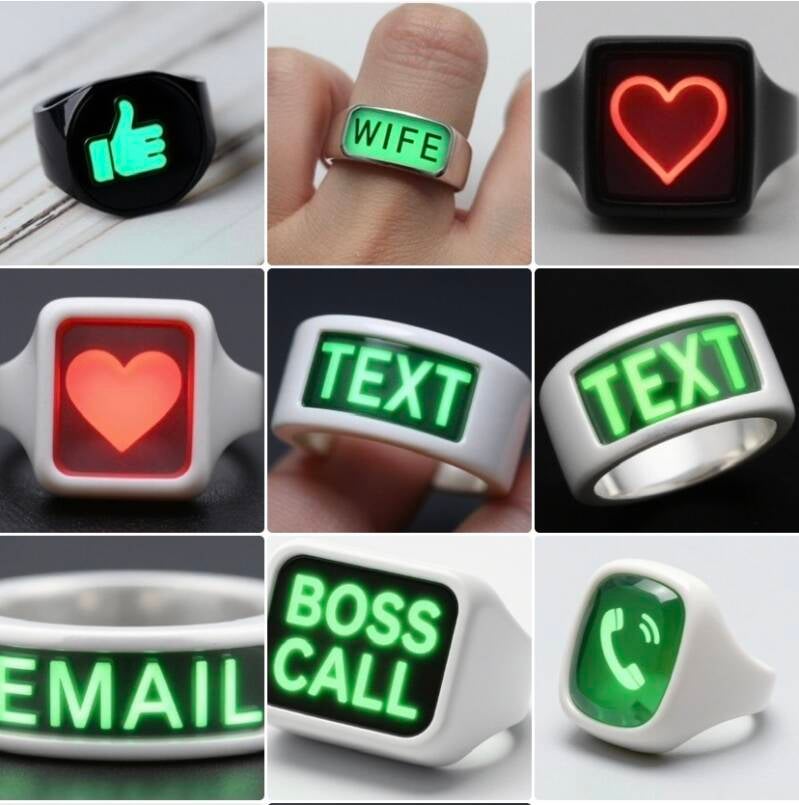
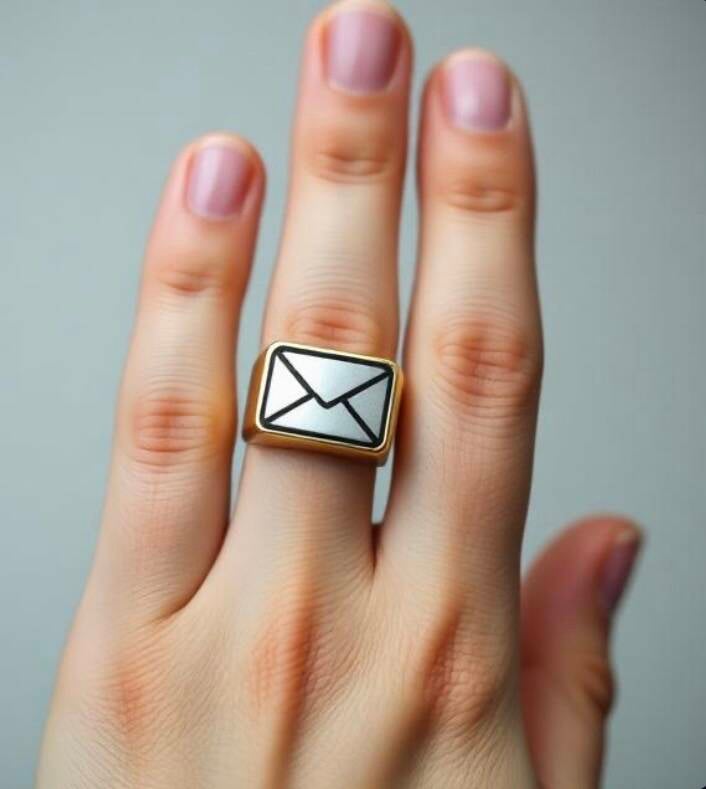
It is a quick message from RingUS
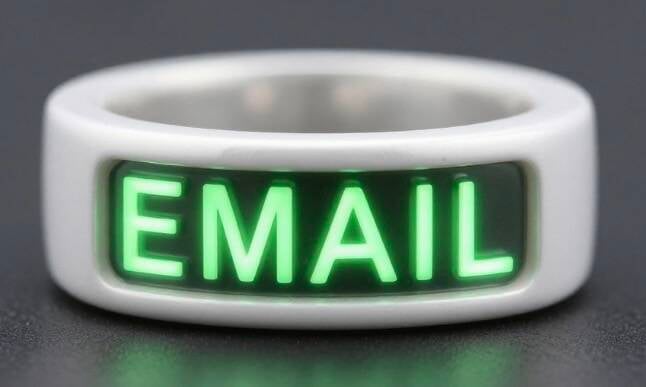
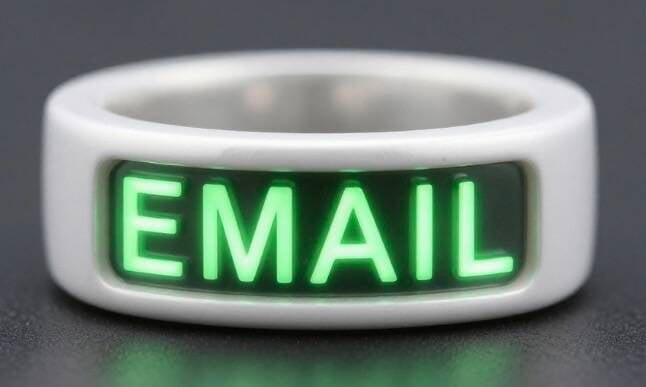
Email in
Maybe who from
Or a text etc!
& then you get notified etc
As per ICON & OR verbal talk | message
From the RingUS
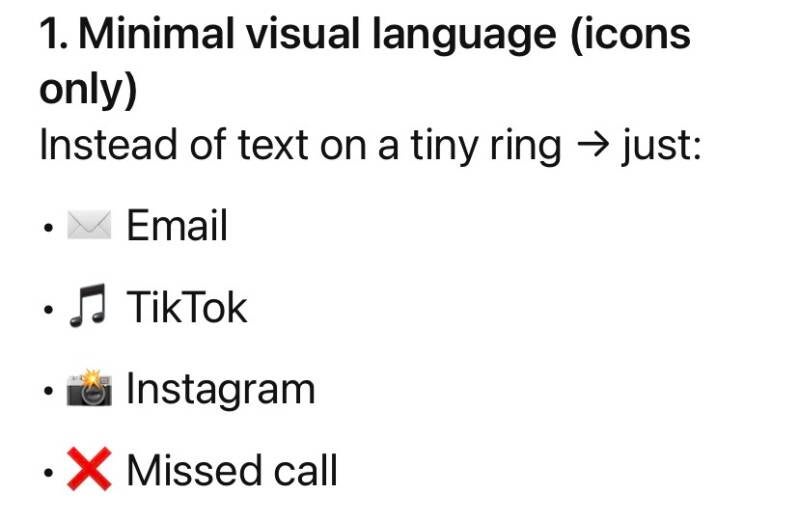
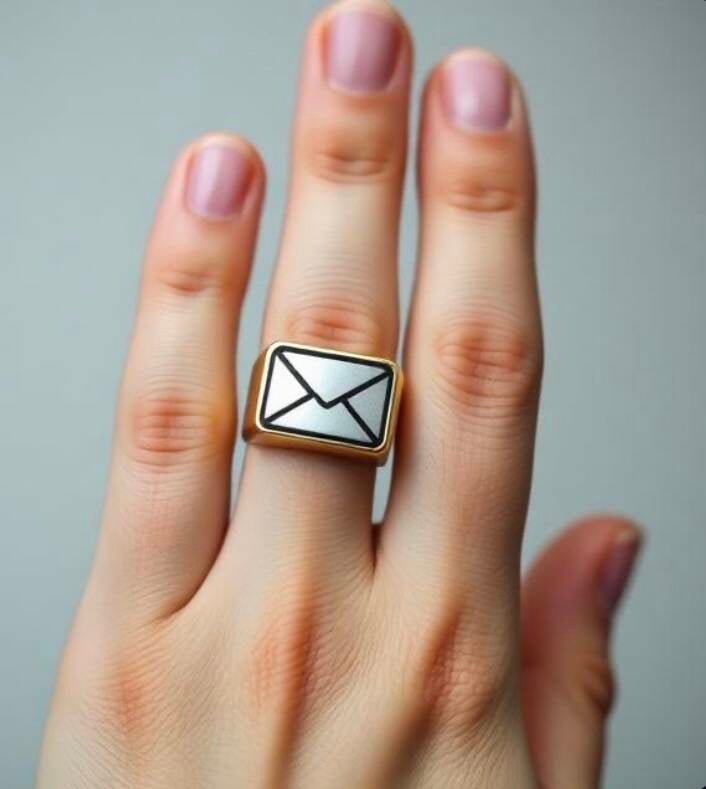
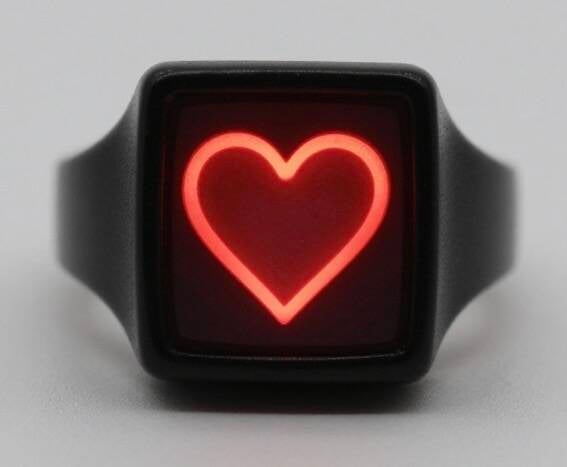
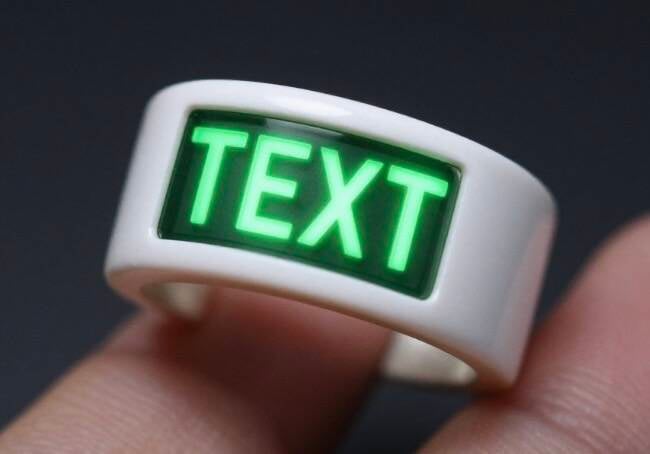
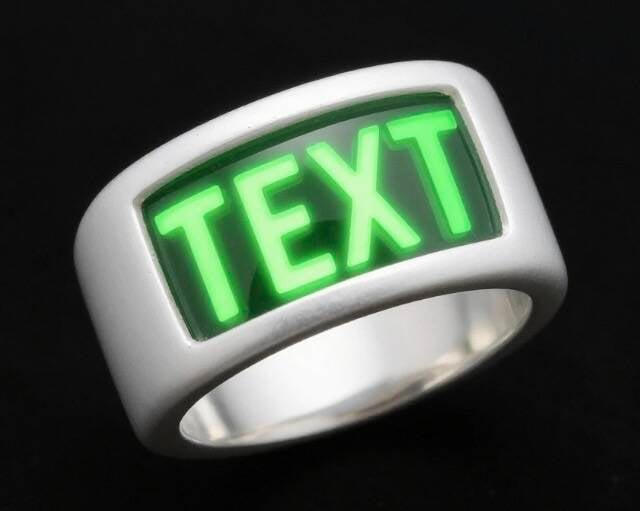
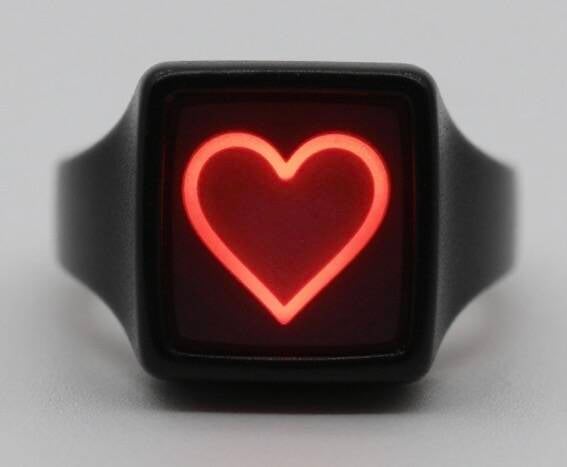
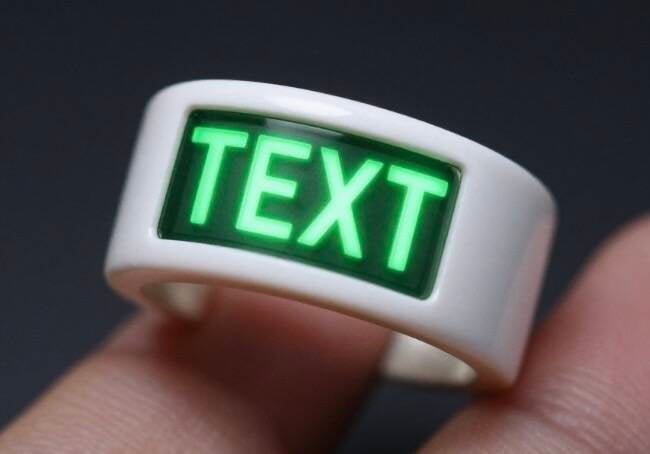
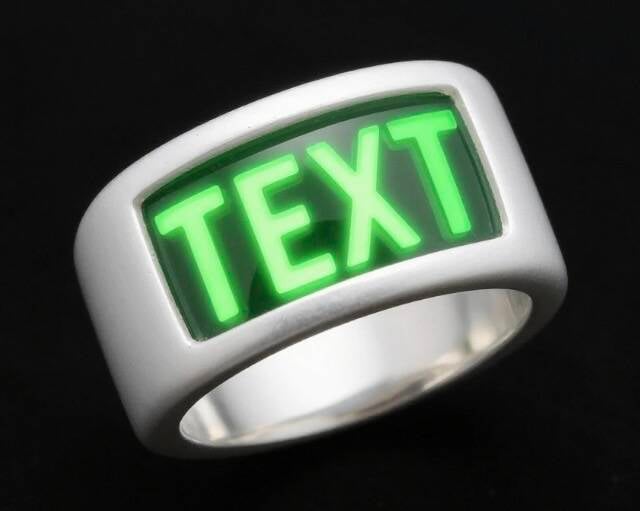
So then not only ICON eg email symbol or text symbol etc
On the RingUS
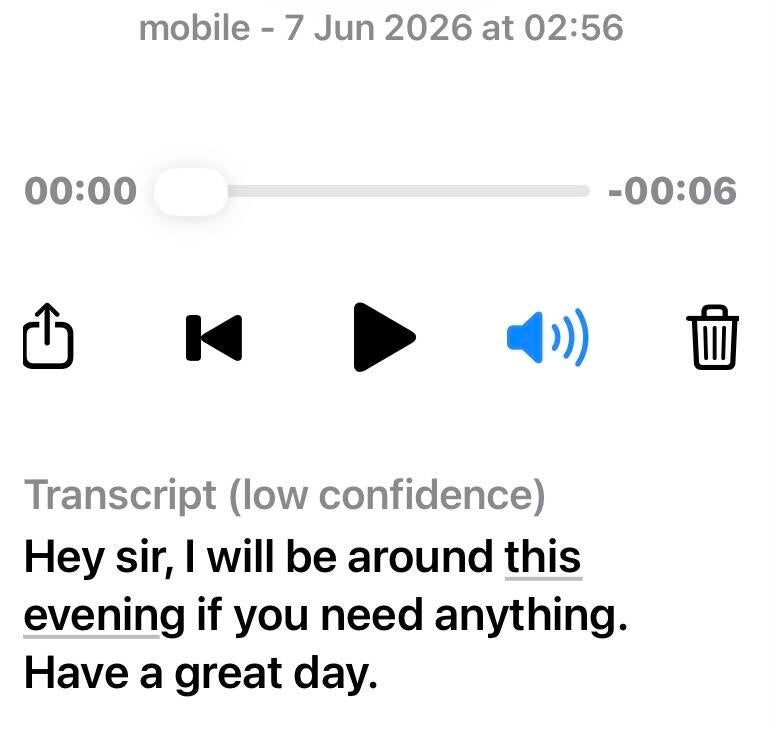
Visual | but also a quick talk just 5 seconds after ICON appears & then the message
To confirm what to do etc
Or just good 4 Mental Health etc
Knowing that your Partner etc
Is on her ir his way home from Work etc
& while driving etc
Or you tap RingUS to tap | touch screen to give a reply | app RingUS automated programmed message
To send via RingUS app Bluetooth
That you as the owner of the RingUS
Has set | in the app Bluetooth etc
Your reply your voice message
etc
Saying
Yes
No
I’ll be 15 minutes etc
Or in meeting & call back in 30 minutes etc
That tells from the RingUS app | Bluetooth etc
That message text received or
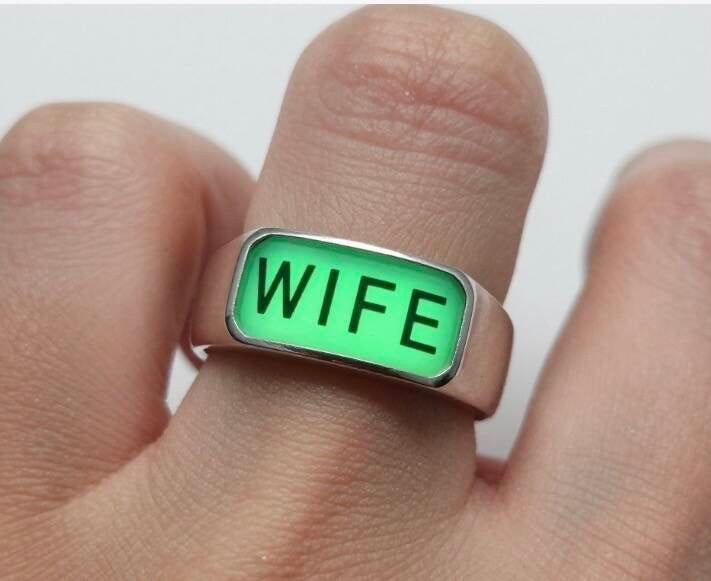
I call you in 5 minutes etc Wife!
User experience
Ask yourself:
-
How many notifications before it becomes annoying?
-
Can users customize which apps trigger alerts?
-
Is there a “Do Not Disturb” mode?
Too many alerts = people stop wearing it.
Input / interaction
Right now your idea is one-way (phone → ring).
You could push it further:
-
Tap gestures on the ring to dismiss notifications
-
Double-tap to mark as read
-
Swipe-like gestures using touch sensors
Your interaction idea = very strong
This is where you’re thinking like a product designer:
-
Tap to dismiss ✅
-
Double tap = mark as read ✅
This is exactly how you differentiate from “just a notifier.”
A sharper version of your concept (2026 draft)
If I condensed your idea into a strong product direction:
A minimalist smart ring that delivers priority-only notifications through subtle light + haptic signals, with gesture control, designed to reduce screen dependence—not increase it.
That positioning matters a lot.
One suggestion that could make it stand out
Instead of trying to mirror all notifications:
👉 Focus on “important signals only”
Examples:
-
Only chosen apps
-
Only specific people
-
Only urgent events
Feature ideas worth exploring
-
Priority tiers via vibration patterns
-
Short buzz = low priority
-
Strong pulse = urgent
-
-
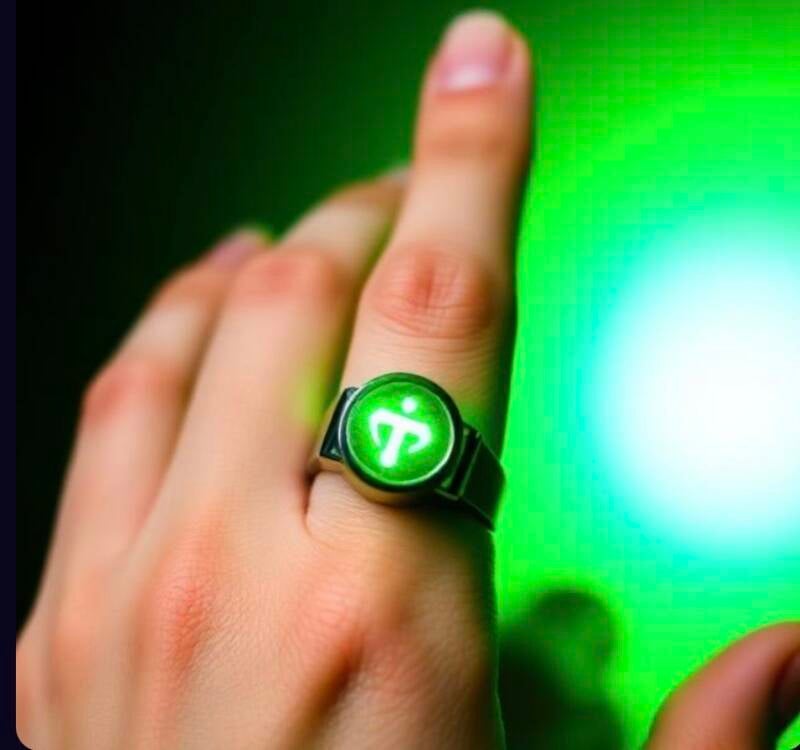
Color-coded light system
-
Red = urgent
-
Blue = social
-
Green = work
-
-
Gesture shortcuts
-
Tap = dismiss
-
Double tap = mark read
-
Hold = send quick auto-response
-
-
-
In a meeting → suppress everything except VIP contacts
-
Driving → only calls
Context awareness
-
Here’s how your concept breaks down (and where it could stand out):
What’s strong in your idea
-
Ultra-fast awareness: A subtle icon + a short 3–5 second voice summary is actually compelling. People often don’t want to read messages while driving or busy.
-
Mental comfort angle: The “your partner is on the way home” type updates tap into reassurance and connection—not just productivity.
-
One-tap replies: Pre-recorded voice or auto-text responses (“15 mins”, “in a meeting”) are practical and already proven useful.
Where it needs sharpening
-
Voice in a ring is tricky
A ring is tiny—fitting a speaker, microphone, and battery that can deliver clear audio is a serious hardware constraint.
-
Notification overload risk
If every message triggers sound, people will turn it off fast. You’d need very smart filtering (priority contacts, AI summaries, context like driving mode).
-
Privacy concerns
A device that suddenly speaks messages out loud could be awkward or risky in public unless it’s very controlled (earbud pairing, vibration-first, etc.).
How to make RingUS genuinely different
Instead of “another notification device,” lean into a focused identity:
1. “Relationship-first wearable”
Make it about trusted people only (partner, family, close team):
-
Only those contacts can trigger voice alerts
-
Everything else stays silent or visual
-
That’s a clean differentiator from generic smartwatches
2. “Micro-communication system”
Your best idea is actually this:
-
Tap ring → sends preset reply instantly
-
No phone needed
-
Works while driving, walking, busy
That could be the main selling point.
3. Smart voice summaries (not full messages)
Instead of reading messages:
-
“Text from Sarah: running late, home in 20”
-
Keep it under 3 seconds
-
AI summarizes, not reads
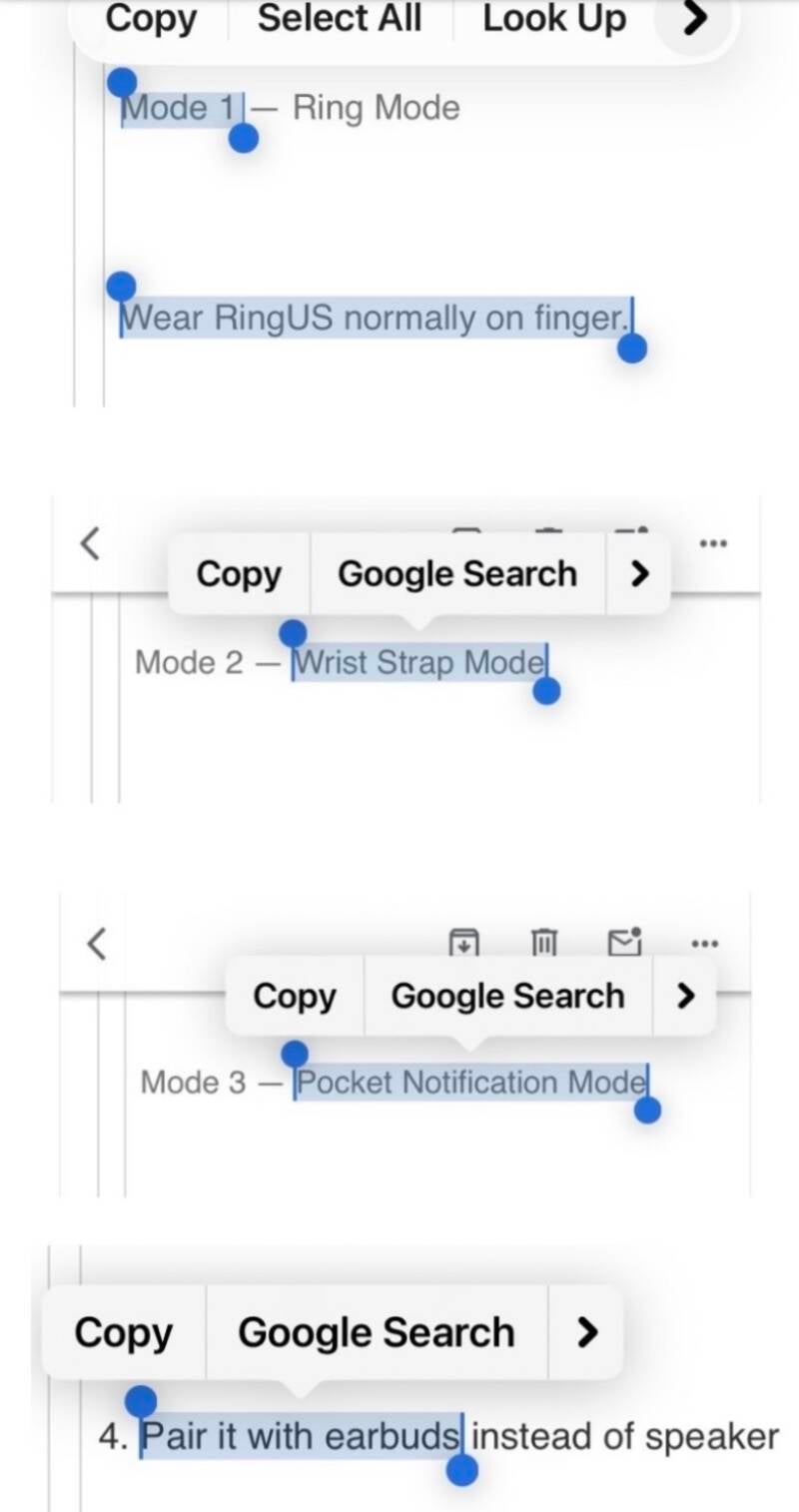
4. Pair it with earbuds instead of speaker
More realistic:
-
Ring vibrates + shows icon
-
Audio goes to earbuds (or phone)
-
Avoids hardware limits and privacy issues
A clearer version of your product
If I rewrote your idea into a tight concept:
RingUS = a smart ring for instant, hands-free communication with the people who matter most.It gives subtle alerts, short voice summaries, and one-tap replies—so you can stay connected without checking your phone.
RingUS | RingItsUS
RingUS | RingItsUS
Smart Notification Ring + Communication System
A stylish finger ring connected to your mobile phone via Bluetooth and the RingUS app.
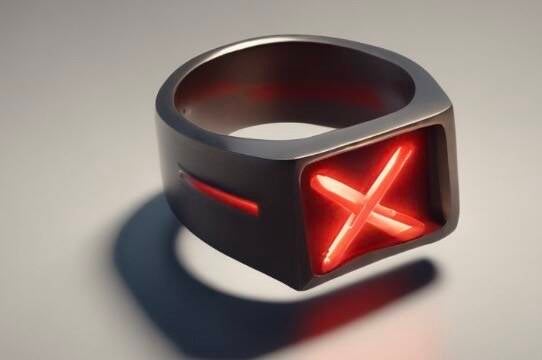
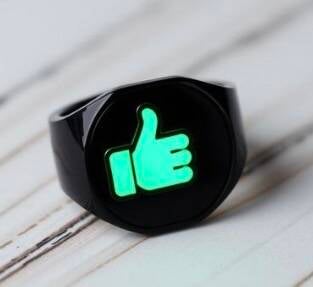
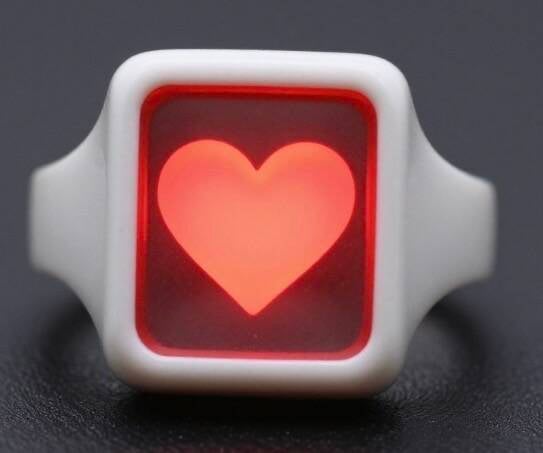
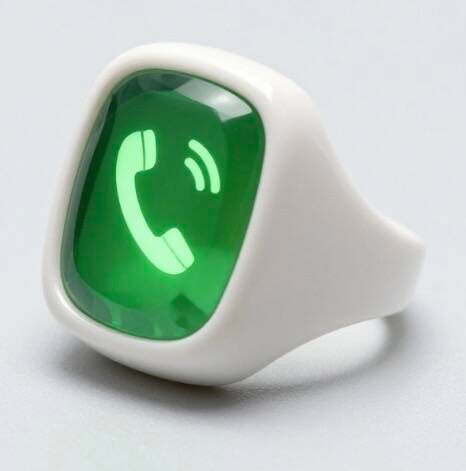
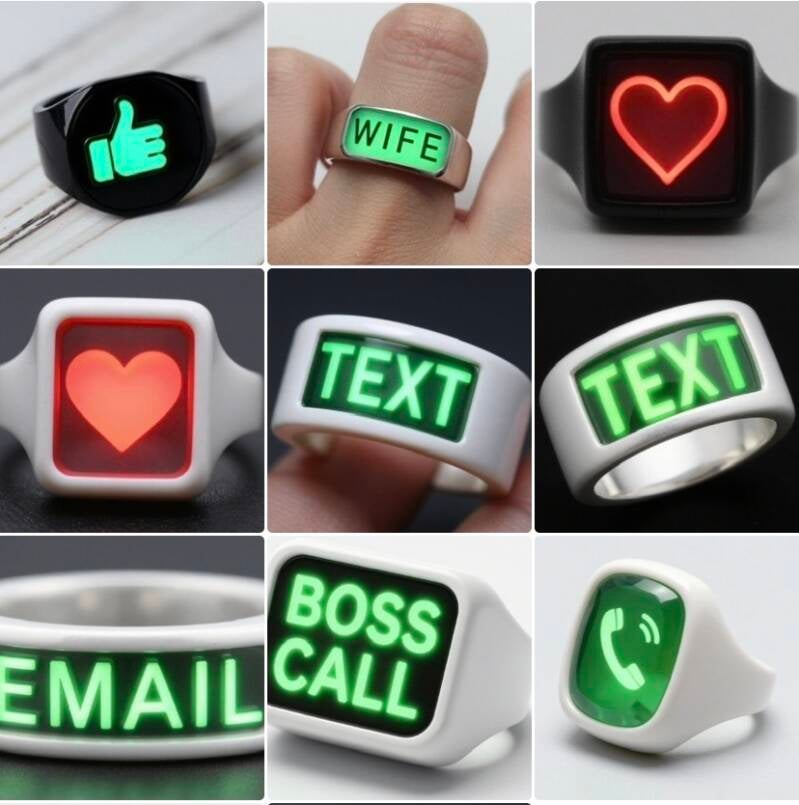
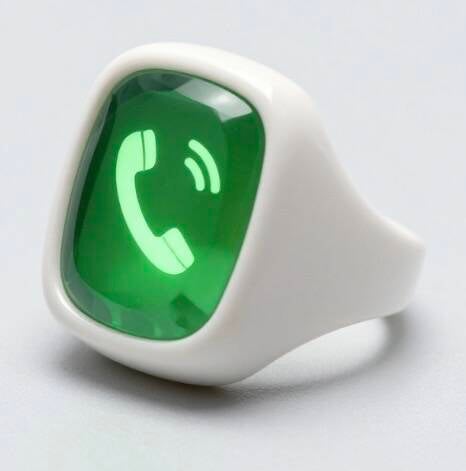
The ring looks like a normal fashion ring, but it intelligently alerts the user to incoming communications through:
- Light icons
- Gentle vibration
- Voice notifications
- Quick touch replies
Core Features
1. Smart Notifications
When a message or notification arrives on your phone, the RingUS ring alerts you instantly.
Examples:
- Text message
- Instagram DM
- TikTok notification
- X notification
- WhatsApp message
- Incoming call
The ring displays:
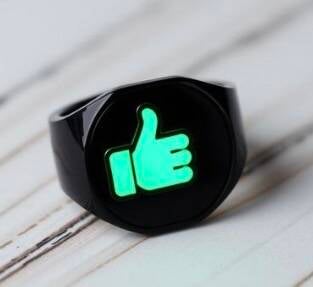
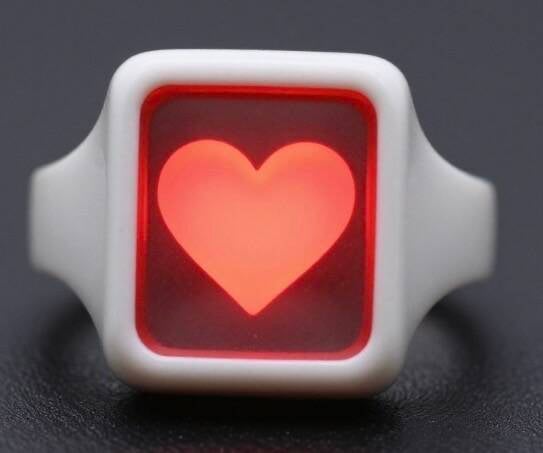
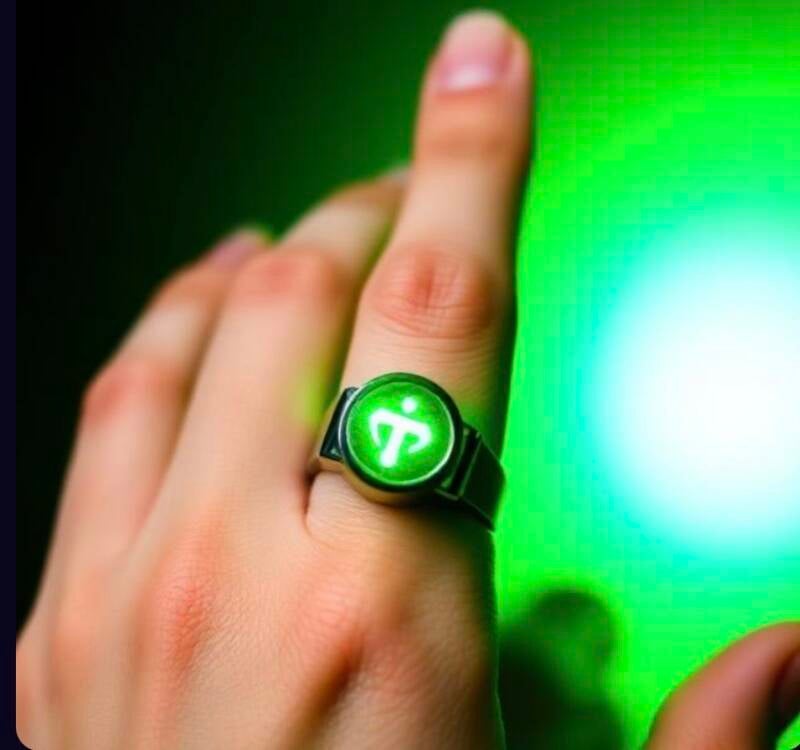
- A tiny illuminated icon
- Color-coded notification lights
- Vibration patterns
Example:
- Blue = Email
- Green = Text
- Purple = Social Media
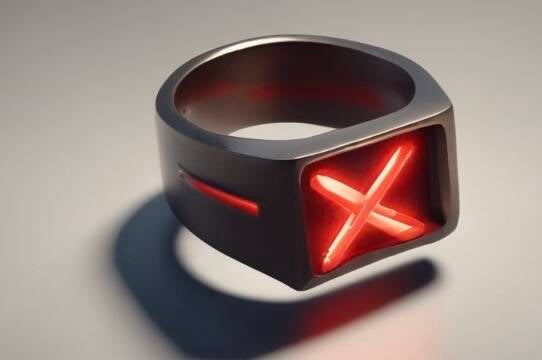
- Red = Urgent Call
2. Voice Notification Feature
After the icon appears, RingUS softly speaks a short audio message through a tiny built-in speaker or connected earbud.
Example:
- “Email from Sarah.”
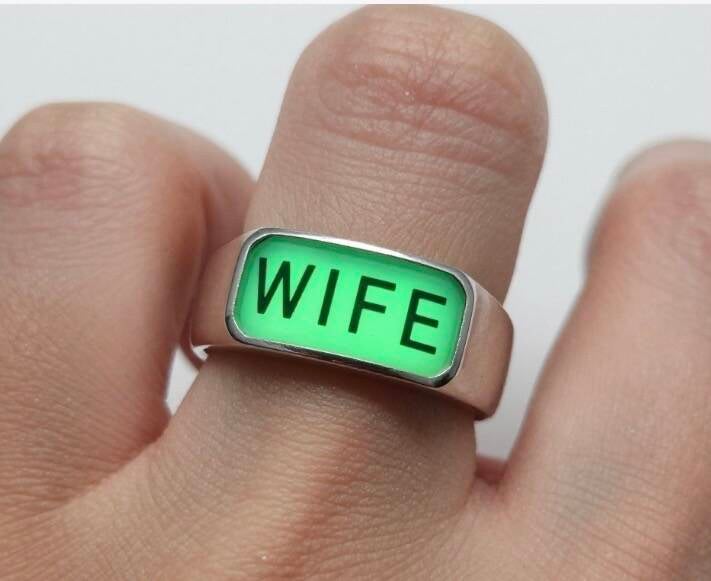
- “Wife is on the way home.”
- “Meeting starts in 15 minutes.”
- “Urgent text from Office.”
This helps:
- Drivers
- Busy professionals
- Parents
- Mental wellness and reassurance
- Accessibility users
3. Quick Reply Touch System
The ring includes touch-sensitive controls.
Tap the ring to send pre-programmed replies through the RingUS app.
Examples:
- “Yes.”
- “No.”
- “I’ll call you in 5 minutes.”
- “In a meeting.”
- “Driving right now.”
- “Home in 15 minutes.”
- “Love you.”
Users can:
- Record their own voice replies
- Create custom automated responses
- Use text or voice reply modes
4. Mental Health & Emotional Connection
RingUS is not just tech — it supports emotional wellbeing.
Examples:
- Knowing your partner arrived safely
- Receiving calming notifications
- Family safety alerts
- Quiet reassurance while working or driving
This creates:
- Less anxiety
- Better connection
- Safer communication
- Reduced screen checking
Product Versions
RingUS Basic
- Vibration
- Notification icons
- Bluetooth connection
RingUS Voice
- Voice notifications
- Quick-reply system
- Custom voice recordings
RingUS Premium
- AI assistant
- Health tracking
- Emergency SOS
- Translation features
- Smart home controls
Possible Revenue Streams
- Ring hardware sales
- Subscription app
- Premium voice packs
- Designer ring collections
- Business productivity version
- Family safety plans
Your RingUS concept has a strong wearable-tech direction because it combines:
- Smart ring
- Smart notification system
- AI quick replies
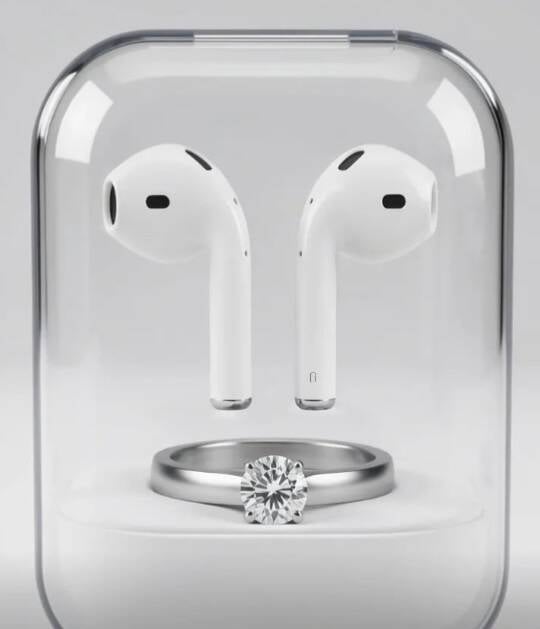
- Charging wearable case
- Wrist conversion system
- Gesture/scan sizing
- Compact communication device
The most unique part is not just the ring — it’s the “Ring + Smart Charging Case + Wrist Dock” ecosystem.
Here’s a clearer structured version of the concept.
RingUS Concept Overview
Core Idea
A smart communication ring that connects to a mobile app through Bluetooth and allows users to:
- Receive notifications
- Feel vibrations
- Hear short speaker messages
- Send instant quick replies
- Wear the ring normally
- Dock it into a charging wrist strap
- Carry it inside a smart charging case
The system transforms the ring into:
- A ring
- A wrist wearable
- A portable smart notifier
Main Features
1. Smart Ring Sizing System
Existing Ring Scan
The user:
- Hovers an old ring over their phone camera
- The RingUS app identifies size
- App recommends the correct RingUS fit
Finger Scan
Alternative method:
- User hovers phone over finger
- App scans finger dimensions
- Correct ring size generated automatically
This reduces sizing mistakes during online purchases.
RingUS Ring Features
Notifications
The RingUS can:
- Vibrate for alerts
- Light up with icons
- Display communication categories
Examples:
- Incoming call
- Text message
- Partner notification
- Social media message
- Reminder
AI Quick Reply System
Connected through Bluetooth to the RingUS mobile app.
Possible quick replies:
- “Busy right now”
- “Call you soon”
- “Driving”
- “At work”
- “Yes”
- “No”
- Voice snippets
Could include:
- AI-generated condensed replies
- One-touch responses
- Pre-recorded speaker playback
Speaker System
Mini speaker built into the ring facets.
Functions:
- Short voice notifications
- Tiny audio replies
- Audible alerts
- Voice snippets from contacts
Because of the speaker:
- Water resistant may be more realistic than fully waterproof
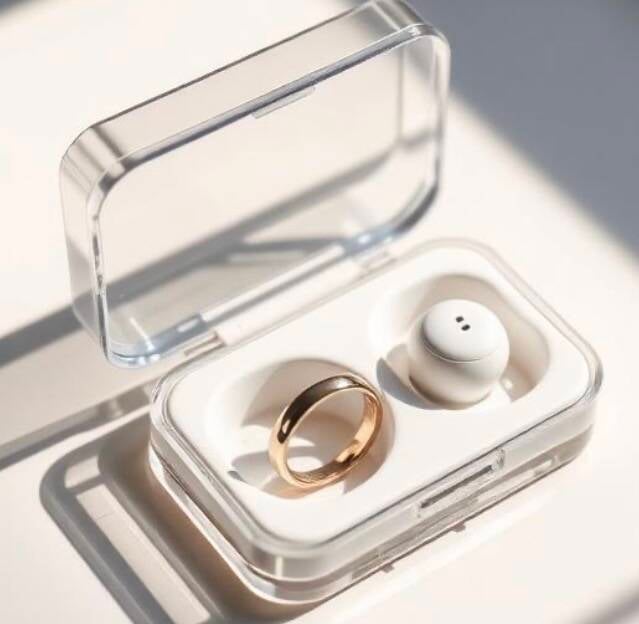
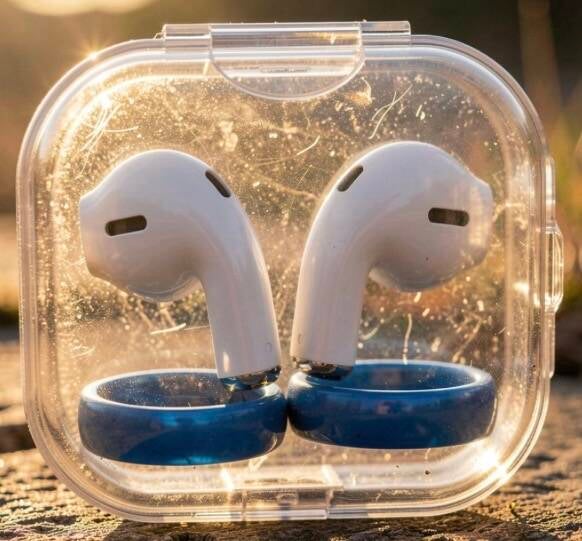
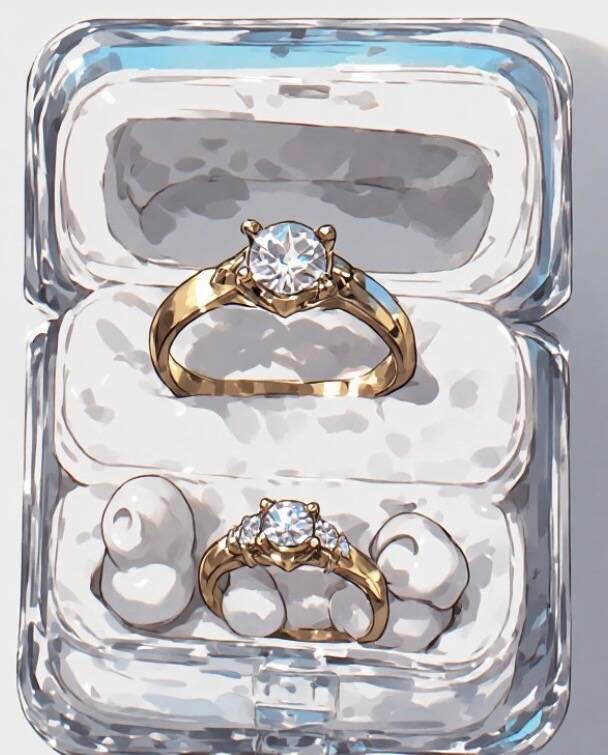
RingUS Smart Charging Case
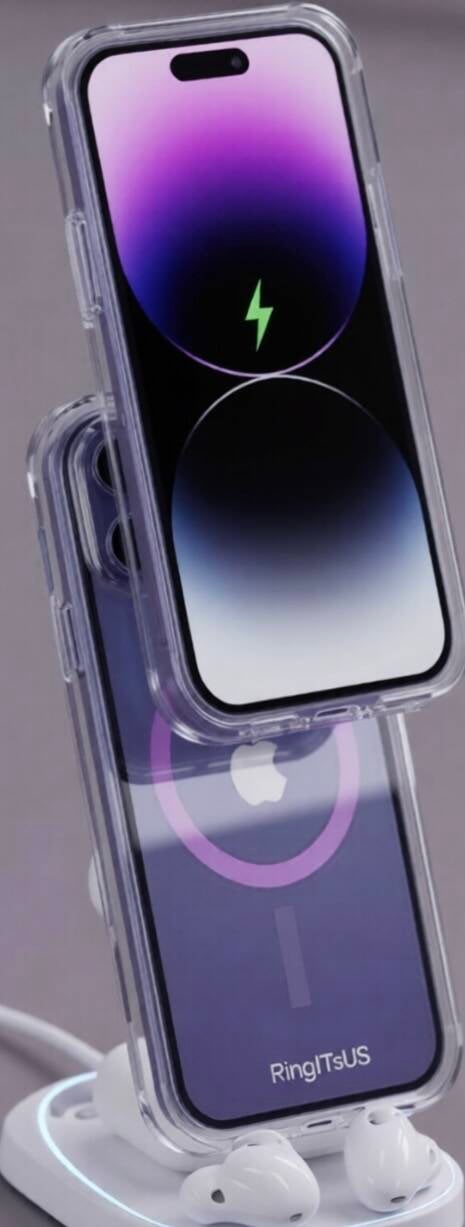
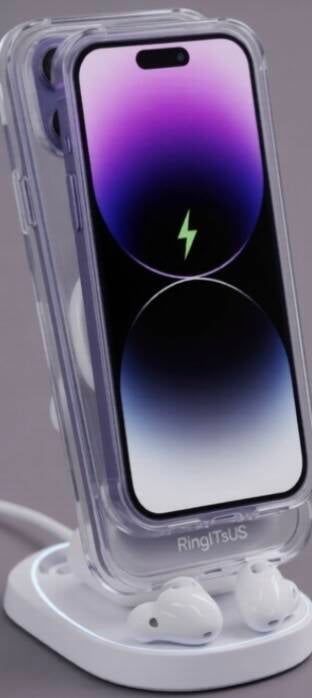
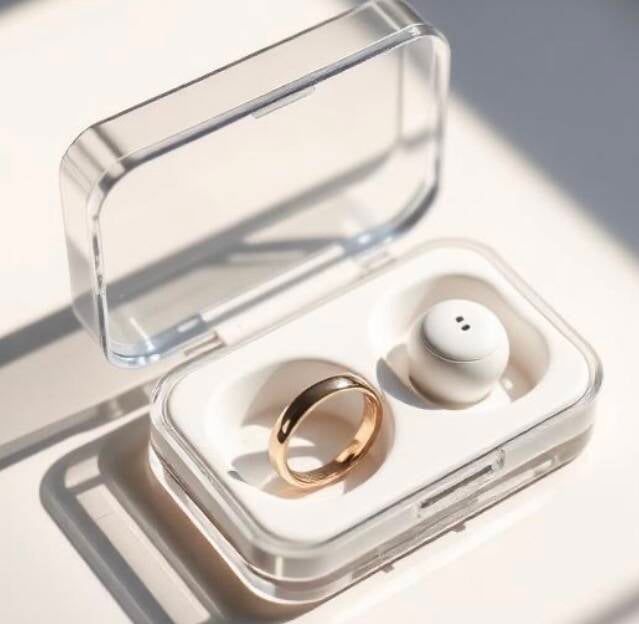
Transparent Protective Case
The case:
- Charges the RingUS
- Protects the ring
- Displays notifications externally
- Amplifies vibration feel
- Allows use while charging
This is one of the strongest ideas in your concept.
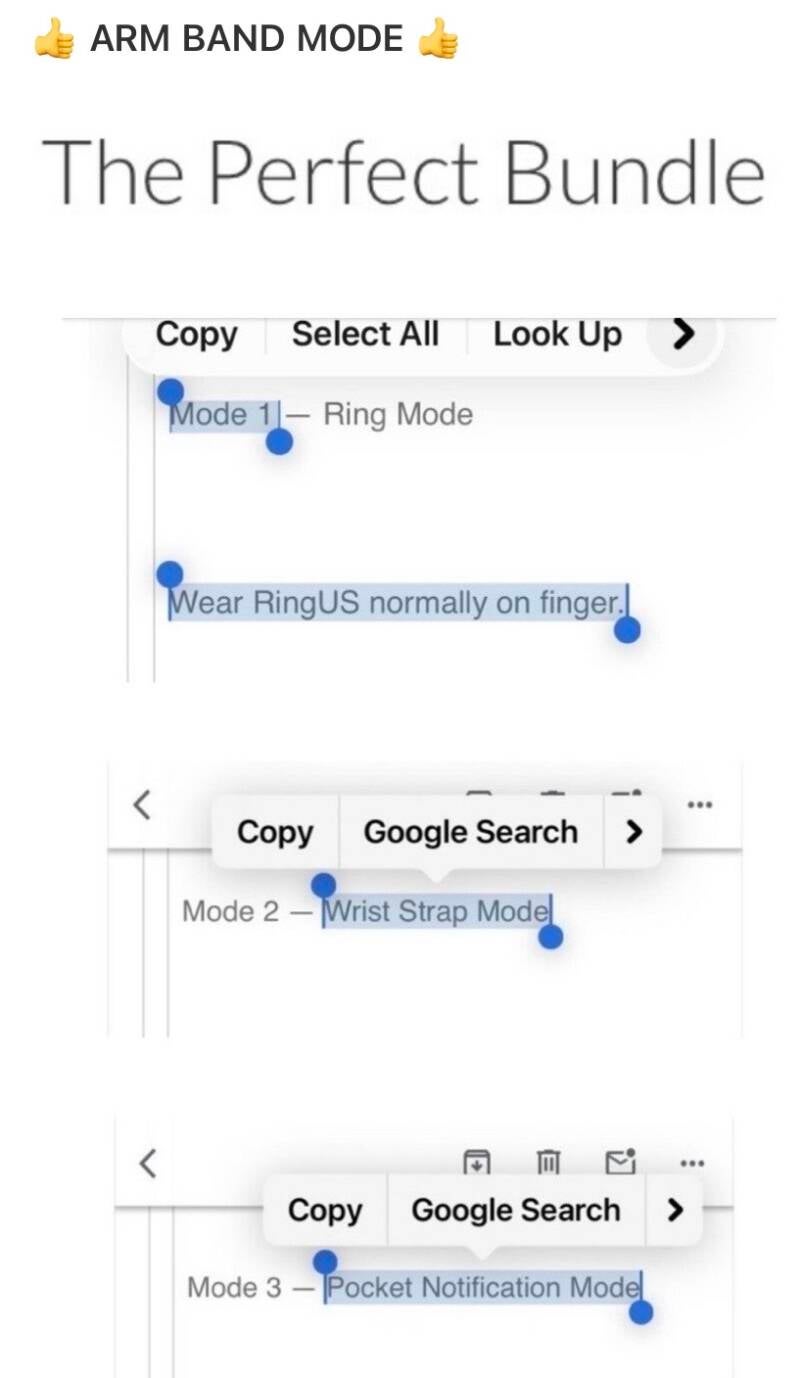
Multi-Use Case Modes
Mode 1 — Ring Mode
Wear RingUS normally on finger.
Mode 2 — Wrist Strap Mode
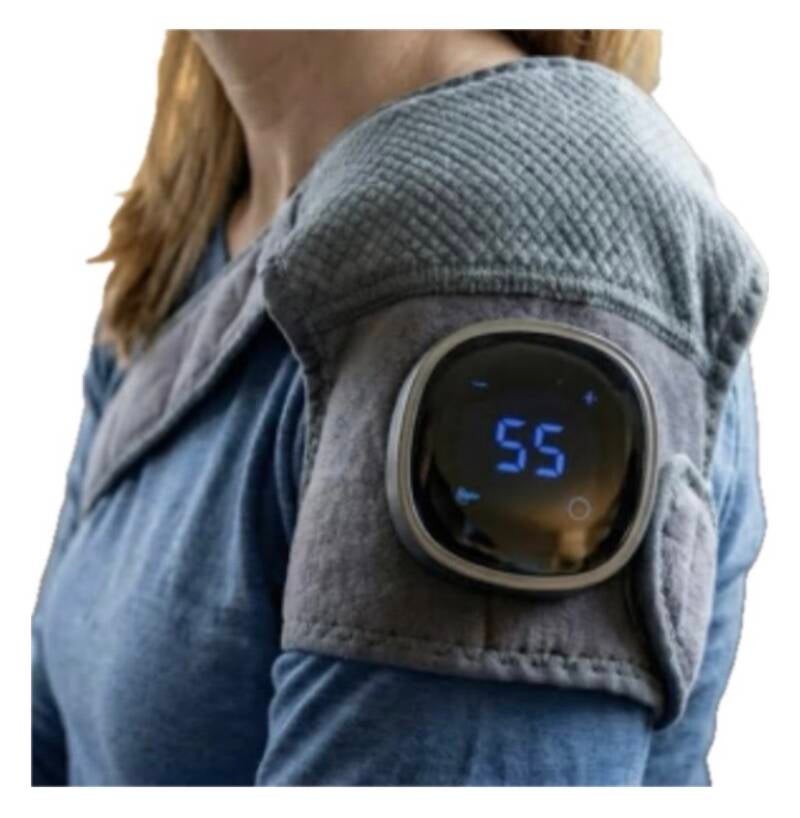
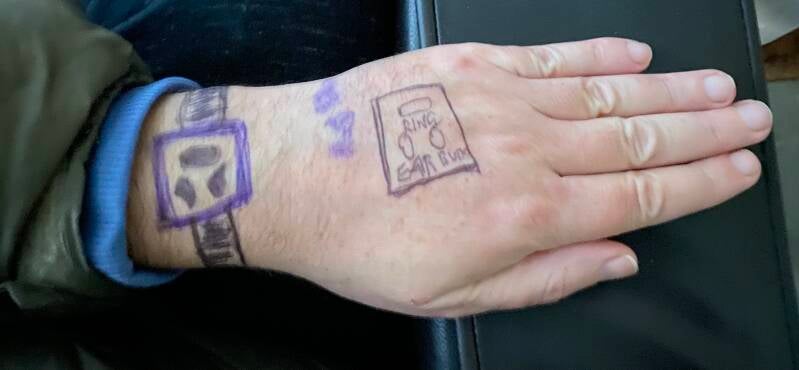
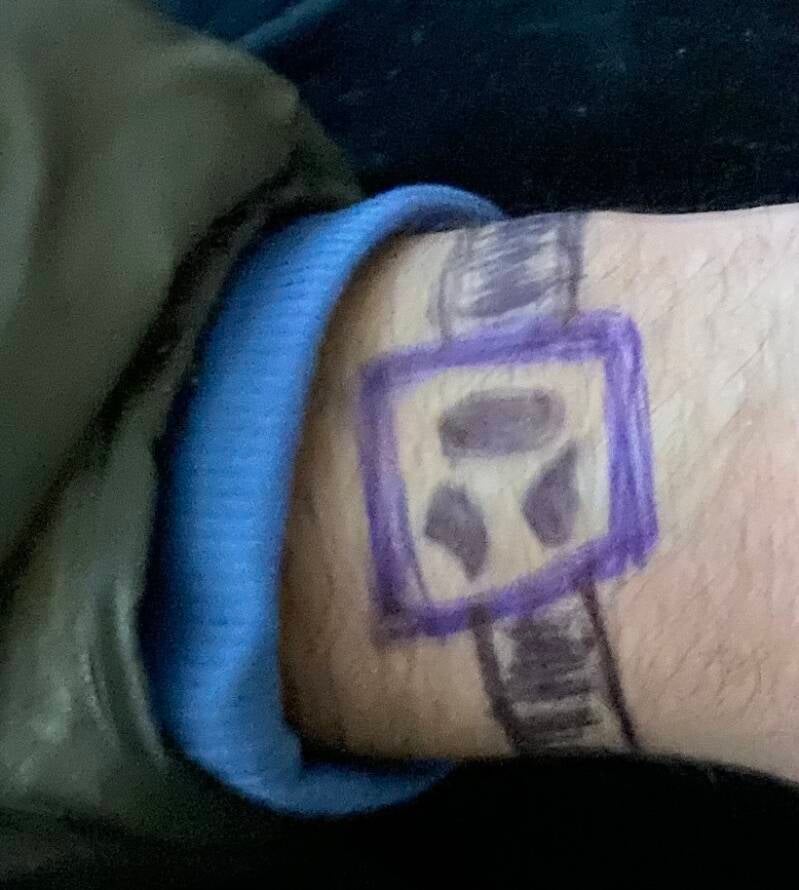
The transparent charging case:
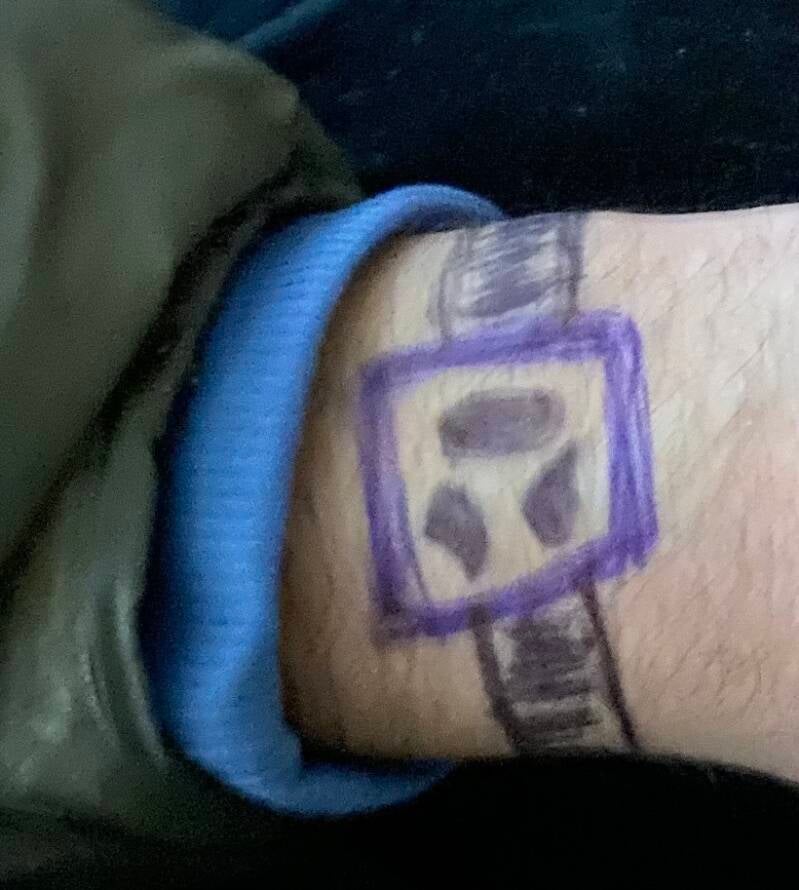
- Clips onto a wrist strap
- Slides into a docking channel
- Turns RingUS into a watch-style wearable
Benefits:
- Easier to notice alerts
- Charging while wearing
- Watch-like functionality
- Larger vibration feedback
Mode 3 — Pocket Notification Mode
Place the RingUS inside the charging case in your pocket.
Benefits:
- Stronger vibration notifications
- Charging continues
- Easy transport
- Visual notification icons appear through transparent case
Key Innovation
Most smart rings only work on the finger.
RingUS becomes:
- Ring
- Wrist wearable
- Pocket notifier
- Charging communication hub
That flexibility is a major differentiator.
Possible Technical Stack
Hardware
- Bluetooth LE
- Mini vibration motor
- Tiny speaker
- LED notification icons
- Wireless charging
- Magnetic docking
App Features
- AI quick replies
- Voice-to-text
- Notification filtering
- Gesture setup
- Ring sizing scanner
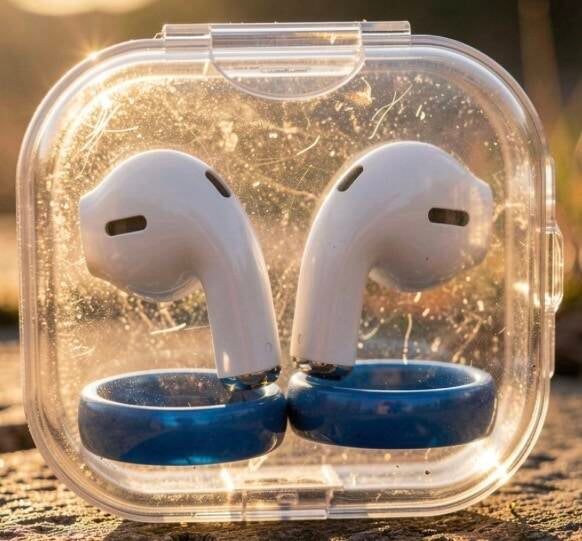
When wearing the RingUS RING once in, in the RingUS CASE + Plus Watch Strap.
With the RingUS Ring, in the Charging Socket | Holder when placed in small RingUs CASE,
With the RingUS Ring in the RingUs CASE, clipped onto Strap,
The Charging of the RingUS | works plus,
It’s all 100% Water Proof ! 📞💫💡
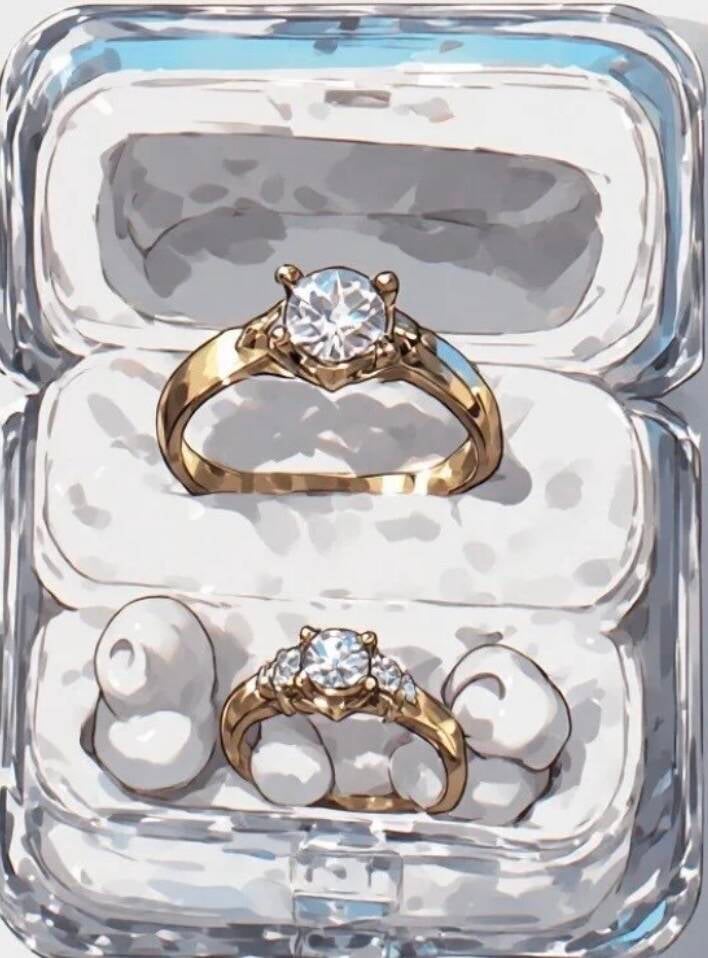
The RingUS Ring comes with a RingUS Case.
The RingUS Ring sits securely inside the RingUS Case, where it automatically charges when not being worn.
Once the RingUS Case is fully charged, it can recharge the RingUS Ring up to 3 full times (3 × 100% battery charges).
With these multiple recharge cycles, the RingUS Ring can last, on average, up to a full week before the RingUS Case itself needs recharging.
Charging times are designed to be minimal, giving the RingUS Owner greater convenience and peace of mind.
Over time, the RingUS Owner can easily understand and manage:
- How many times per week the RingUS Ring typically needs charging.
- How often the RingUS Case itself needs to be recharged.
This creates a simple, reliable charging routine that becomes easy to track and maintain over time.
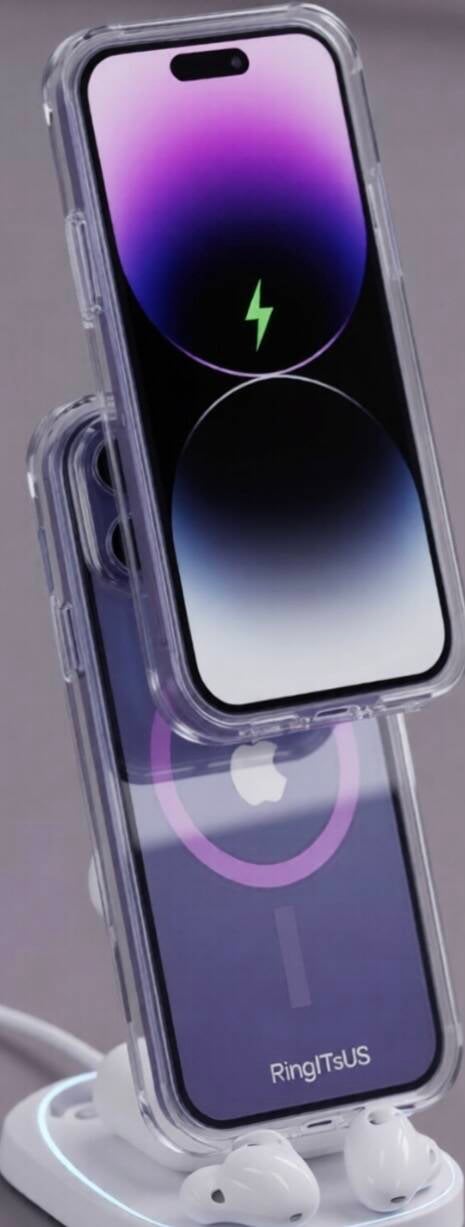
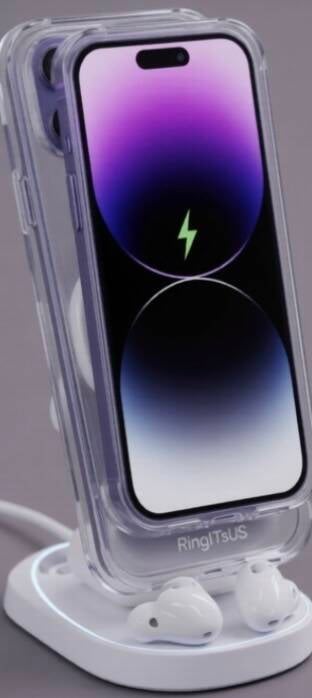
SO Clear | See Through - Thru
CASE
Acts as a Charger Case
Charge Case 100 %
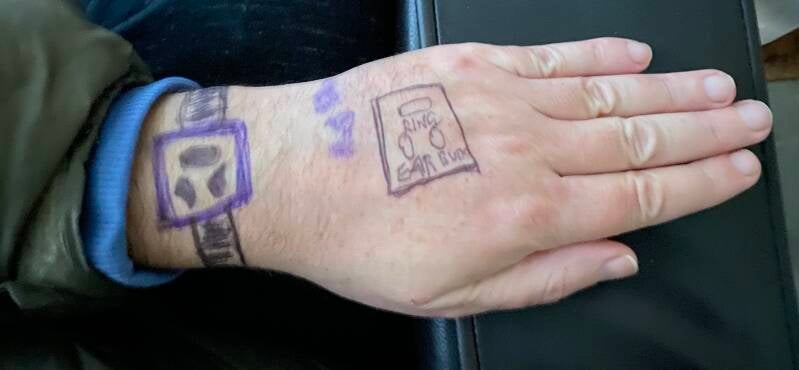
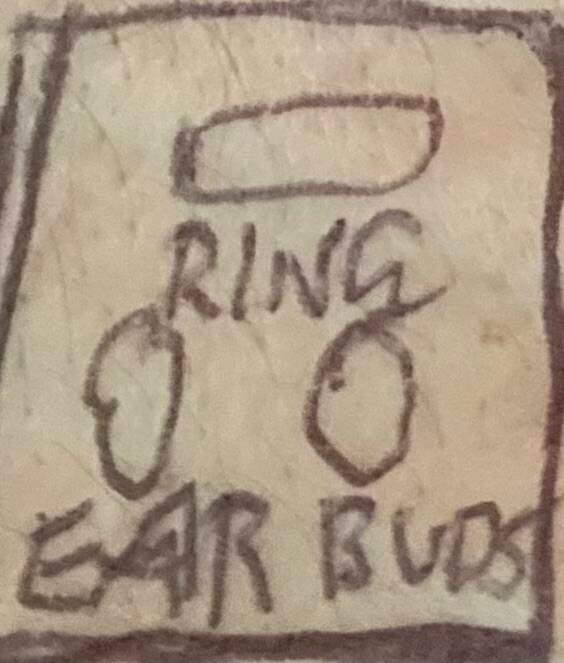
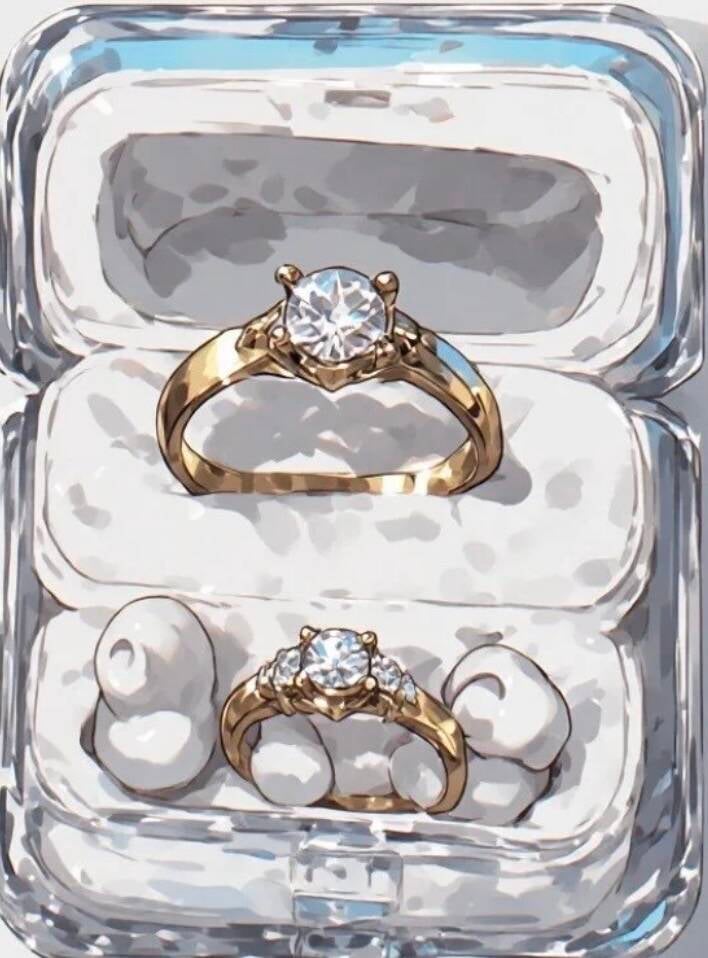
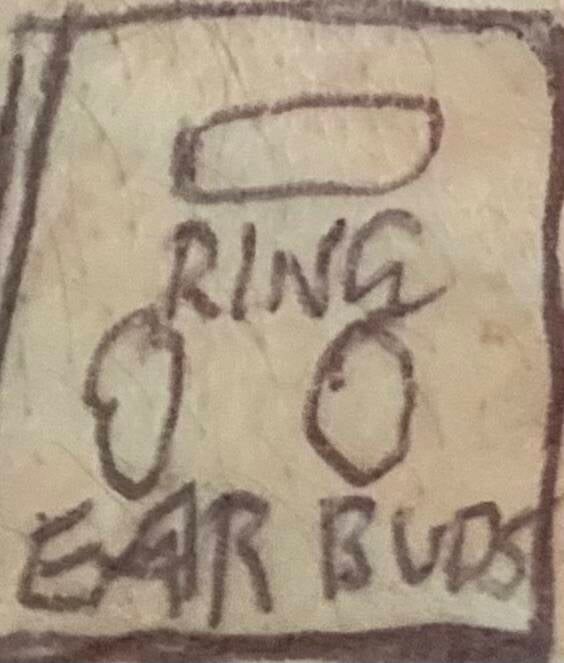
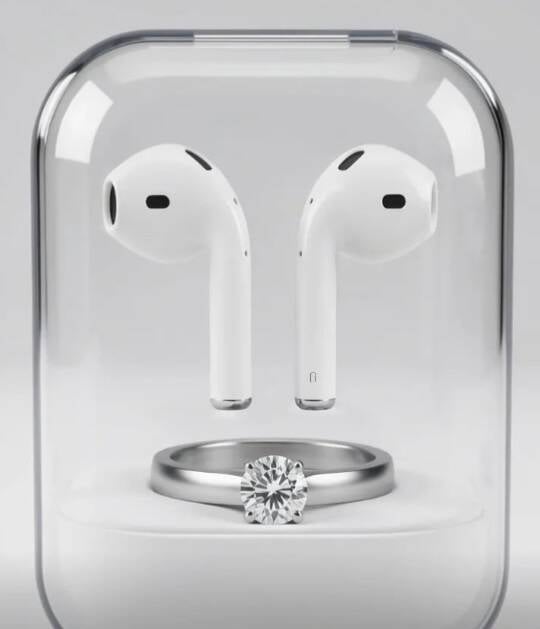
Then both Ring & Ear | Buds get Charged at the same time in Case ( A Depot | Socket Case ) etc. Charger.
Whether Strap | Watch Strap ,
Mode
Or Pocket Mode
The Case enables the User to view all notifications Through | Thru the Clear small case which is a little larger than the Ring together with the 2 TWO Ear - Buds etc.
So in all, the Package offers a variety,
Strap | Strap Watch Mode & Case
& Pocket Mode | Case
& if the Ring on finger battery gets LOW as it lights up bright,
Say,
20 % etc
The User knows when to take Ring off Finger & place in Charge | in the Charging Case etc .
Just to remember the Ring comes in many sizes & colours & the Case Depot | Socket chargers the Finger Ring like a hand shake as the Charging system tightens to fit the Finger Ring etc in the Case as the user places it in to the Charging Case etc.
So the Case is designed to fit a many different sized Finger Rings etc !
So whether Ring in Case on Strap | Watch Strap Mode or Pocket Case Mode,
The Vibration acts to notify USER when to,
1
Look at Watch Strap | Strap Mode,
Or 2
Look at Pocket Case Mode etc.
& watch strap | Strap Mode the Strap is a nylon Strap for all fits & Sizes.
RingUS Smart Communication Ring
Inventor
Mark Dalzell
Product Overview
RingUS is a smart finger ring connected to a mobile phone and the RingUS App. The device enables users to receive, view, and respond to calls, texts, and voice messages directly from their finger ring in a simple and convenient way.
Feature 1: Instant Voice Reply
How It Works
-
User receives a missed call, text message, or voicemail.
-
User presses and holds the RingUS ring for 10 seconds.
-
The ring activates voice recording through the RingUS App.
-
User records a short voice reply of up to 10 seconds.
-
User releases the ring.
-
The voice reply is automatically sent back to the caller.
Benefits
-
Fast communication.
-
No need to unlock a phone.
-
Easy one-touch operation.
-
Useful while driving, working, exercising, or travelling.
Feature 2: Smart Notification and Message Summary
Incoming Communication
When a text, voicemail, or missed call is received:
-
RingUS vibrates on the user’s finger.
-
User taps the ring.
-
The RingUS App identifies:
-
Who contacted the user.
-
Whether it was a text, voicemail, or missed call.
-
-
Artificial intelligence generates a brief summary of approximately 10 words.
Example
Incoming voicemail:
“Hi Mark, I’m running late. I’ll arrive at 3:30pm.”
RingUS summary:
“Partner running late, arriving approximately 3:30pm.”
Ring Display Feature
The RingUS display presents the message summary directly on the ring.
Display Method
-
Text scrolls slowly from right to left.
-
Approximately 10 words are displayed.
-
User reads the message one word at a time.
-
No need to access the mobile phone immediately.
Smart Reply System
After reading the summary:
-
User swipes across the ring display.
-
RingUS offers 10 suggested replies.
-
User selects the preferred response.
-
The RingUS App sends the response automatically.
Example Suggested Replies
-
OK, thank you.
-
I’ll call you shortly.
-
Running late too.
-
Sounds good.
-
Please call me.
-
On my way.
-
Busy right now.
-
Talk soon.
-
Thanks for letting me know.
-
Received.
Key Features
-
Smart finger ring communication device.
-
Mobile phone integration.
-
RingUS App connectivity.
-
Voice message recording.
-
Voice-to-text conversion.
-
AI-generated message summaries.
-
Mini scrolling display.
-
Haptic vibration notifications.
-
One-touch responses.
-
Suggested quick replies.
-
Hands-free communication.
Vision
RingUS aims to make communication faster, easier, and more convenient by allowing users to manage calls, texts, and voice messages directly from a smart finger ring without needing to constantly use their mobile phone.
Inventor: Mark Dalzell
The Finger Ring Communication Device
Inventor: Mark Dalzell
Concept Overview
The Finger Ring Communication Device is a smart wearable ring designed to provide simple, convenient, and discreet communication between family members, friends, and work colleagues.
The ring incorporates an in-built microphone, speaker, vibration system, display screen, and companion mobile application.
10-Second Voice Reply Feature
A unique feature of the Finger Ring is the ability for the wearer to record and send a voice reply of up to 10 seconds in length.
To activate the recording function, the wearer presses and holds a touch-sensitive area on the ring.
During recording:
-
The ring provides a strong vibration pulse every second.
-
The vibration acts as a timing guide for the wearer.
-
The wearer can easily monitor the remaining recording time without needing to look at a screen.
-
After 10 seconds, the wearer releases their finger from the touch surface and the message is sent.
This feature creates a simple and stress-free user experience while providing confidence that the recording remains within the allocated time limit.
Text Message Display Feature
Incoming text messages can also be viewed directly on the ring’s display.
To improve readability on a compact screen:
-
Words scroll slowly from right to left across the ring’s display.
-
Longer words containing six to eight letters, or more, scroll at a comfortable reading speed.
-
Messages are displayed word-by-word to enhance clarity.
-
The wearer can replay or re-read the message before responding.
This allows users to comfortably read communications from loved ones, friends, and work colleagues without needing to access a mobile phone.
Benefits
-
Hands-free communication.
-
Quick 10-second voice responses.
-
Discreet wearable technology.
-
Easy-to-read scrolling text display.
-
Haptic vibration guidance during voice recording.
-
Improved user confidence and peace of mind.
-
Seamless integration with a dedicated mobile application.
Vision
The Finger Ring Communication Device aims to simplify everyday communication by combining voice messaging, text display, tactile feedback, and wearable convenience into a compact smart ring platform.
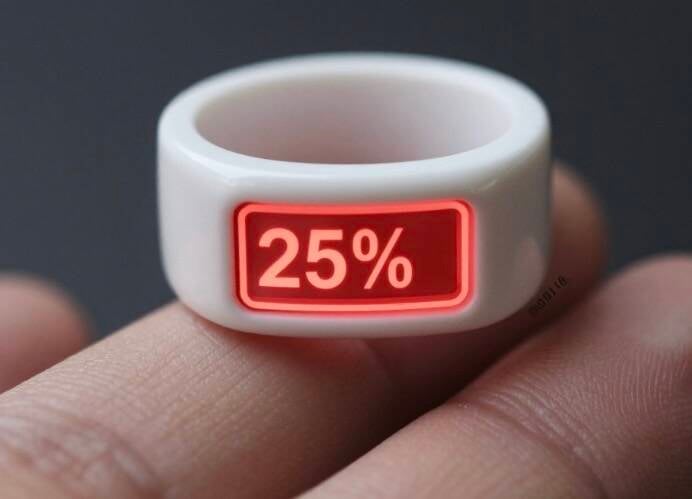
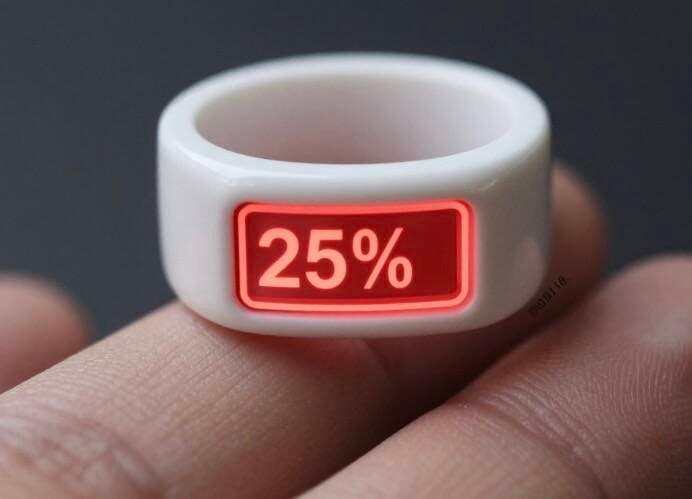
The Finger Ring CEO MARK DALZELL The ring when on finger Vibrates strong to let the user know for example when battery is getting LOW etc & the Ring lights up with the notification etc saying 20 % with the 20 % viewed the COLOUR RED, as a warning visual signal etc. The Ring to maybe been designed with a Speaker | Microphone designed in the Ring, As an Option for the Finger Ring user to, 1 | Listen to voice message & 2 | To Reply etc whilst speaking into Finger Ring Speaker | Microphone etc. The Finger Ring User, Has Options to when he or she feels comfortable etc To either speak in to Finger Ring, Or to have the Option of just listening to a persons voice mail | message etc When they choose to, Or when in an Environment etc that’s suits their PRIVACY etc Also I may design the Finger Ring ( s ) Different Sizes & Colours, But here is the COOL part, You have the Case to be designed with the Case to fit up to 2 Finger Rings etc & this enables the User to have an Option of using a different finger as they choose etc, Or if Case battery is getting LOW, Knowing the Owner of the Rings etc Knowing that they have a spare Finger Ring to keep them going through the entire day, Before the Owner needs to recharge the whole system of, 1 | Charge Case 2 | Charge Ring or Rings 3 | Charge Ear Buds & with Marks case, All 3 Options are charged in the one CASE etc & after sleep or after a Nights sleep, The Finger Ring Owner is all good for the whole new day etc CEO MARK R DALZELL
The Finger Ring System
Inventor & CEO
😇 Mark R. Dalzell 😇
Product Overview
The Finger Ring is an advanced wearable smart ring designed to provide users with notifications, communication capabilities, and all-day convenience.
Key Features
Smart Notifications
The Finger Ring provides strong vibration alerts to notify the user of important information such as:
-
Low battery warnings
-
Incoming messages
-
Missed calls
-
Calendar reminders
-
Emergency alerts
Visual Notification System
The ring contains integrated LED lighting that displays visual alerts.
Example:
-
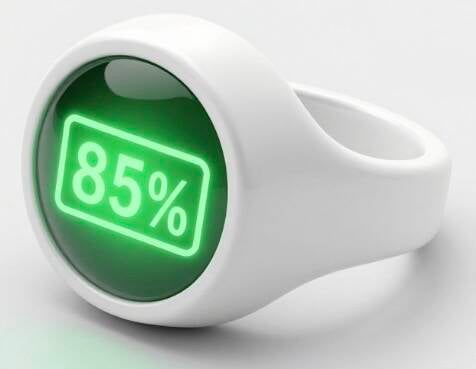
Battery at 20%: Ring illuminates Red
-
Battery at 50%: Ring illuminates Amber/Yellow
-
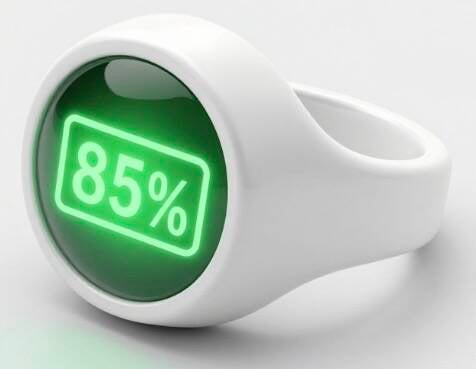
Battery at 100%: Ring illuminates Green
The visual lighting system allows users to quickly identify device status without needing to check a smartphone.
Built-In Speaker and Microphone
The Finger Ring may include a miniature speaker and microphone system, allowing users to:
-
Listen to voice messages.
-
Reply to messages by speaking directly into the ring.
-
Accept or reject calls.
-
Use voice assistant functions.
Privacy Options
The user can decide when and where to use voice communication.
Options include:
-
Listening only.
-
Speaking and replying.
-
Silent notification mode.
-
Privacy mode in public environments.
This allows the user to maintain personal privacy and communication flexibility.
Multiple Ring System
The Finger Ring may be available in:
-
Different sizes.
-
Different colours.
-
Different styles.
Users can own multiple rings and switch between fingers whenever they choose.
Dual-Ring Charging Case
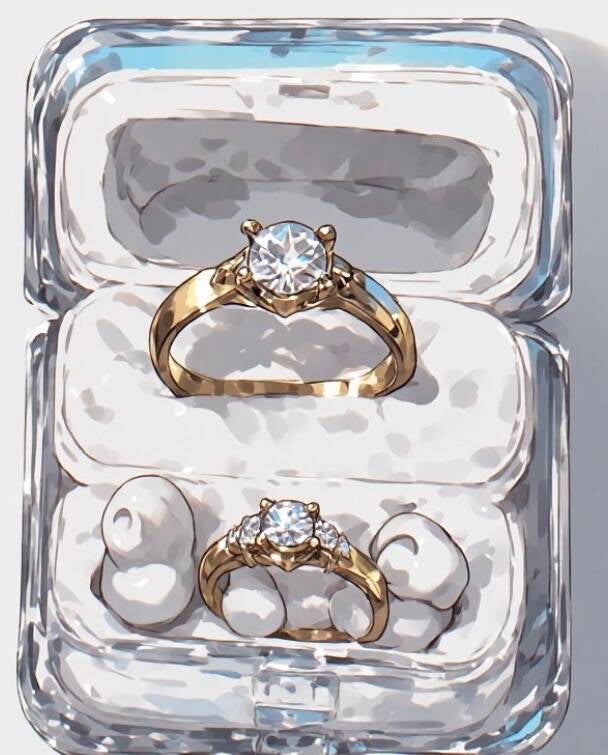
A specially designed charging case can hold:
-
Up to two Finger Rings.
-
Wireless earbuds.
-
Integrated charging system.
Advantages
If one ring battery becomes low, the user can immediately switch to the second ring.
This provides:
-
Extended daily usage.
-
Reduced downtime.
-
Increased convenience.
Unified Charging Solution
The charging case powers:
-
Finger Ring #1
-
Finger Ring #2
-
Wireless Earbuds
Everything is charged from a single case.
After overnight charging, the user begins each day with:
-
Fully charged rings.
-
Fully charged earbuds.
-
Fully charged case.
Vision
The Finger Ring System is designed to become a practical everyday wearable that combines communication, notifications, convenience, and style into one connected ecosystem.
CEO & Inventor
😇 Mark R. Dalzell 😇
Dual Mobile Smart Charging Case
Inventor / Concept Author: Mark Dalzell, CEO
Concept Overview
A single carrying and charging case designed to securely hold and charge two mobile phones simultaneously:
-
One Personal Mobile Phone
-
One Business Mobile Phone
The case contains its own high-capacity battery system and requires only one primary charging cycle per day, typically overnight while the user is asleep.
Key Benefits
Continuous Charging
-
Both phones are automatically charged while stored in the case.
-
The case acts as a portable power source throughout the day.
-
Users can return either phone to the case at any time to receive additional charging.
One Daily Charge
-
The charging case itself only needs to be charged once per day.
-
Overnight charging ensures the case and both phones begin the day fully powered.
Extended Daily Usage
-
Supports heavy phone users who rely on both devices for:
-
Business communications
-
Personal communications
-
Email
-
Video calls
-
Internet access
-
Mobile applications
-
Social media
-
Productivity tools
-
Confidence and Reliability
Users have confidence that:
-
Both phones remain charged throughout the day.
-
Battery anxiety is reduced or eliminated.
-
Personal and business communications remain available.
-
Long usage periods of 8–12 hours or more can be supported.
Full Device Functionality
The design allows both phones to maintain access to:
-
All phone functions
-
Cameras
-
Apps
-
Internet connectivity
-
Security features
-
Communication capabilities
without compromising the features offered by modern smartphones.
Potential Advanced Features
-
Wireless charging support
-
Fast charging technology
-
Intelligent battery management
-
Battery status display
-
Solar charging option
-
Waterproof and shock-resistant design
-
GPS tracking of the case
-
Secure locking mechanism
-
AI-based power optimization
Value Proposition
The Dual Mobile Smart Charging Case provides professionals, business owners, executives, contractors, sales staff, and frequent travellers with a convenient all-in-one power management solution for carrying and charging both personal and business mobile phones throughout the day.
Vision: One case, two phones, all-day power, greater convenience, and peace of mind.
Mark Dalzell, CEO
Dual Mobile Smart Charging Case Concept
Dual Mobile Charging Case
Concept
A single protective case designed to securely hold and charge both a personal mobile phone and a business mobile phone simultaneously.
Key Features
-
Holds two mobile phones in one compact case.
-
Charges both phones while they are stored in the case.
-
Case contains an integrated high-capacity battery.
-
Users charge the case once per day, typically overnight.
-
Both phones remain fully charged and ready for use throughout the day.
-
Phones can be removed and used independently at any time.
-
Supports access to all phone features, applications, communications, and business functions.
-
Protective design helps reduce damage from everyday handling and transport.
Benefits
Convenience
-
Eliminates the need to manage separate chargers and charging schedules for two devices.
-
One charging routine for the case instead of multiple charging routines for individual phones.
Productivity
-
Business and personal phones remain powered throughout the day.
-
Reduces the risk of a phone running out of battery during important calls, meetings, or travel.
Peace of Mind
-
Users can charge the case overnight while sleeping.
-
Confidence that both personal and business devices are charging simultaneously.
-
Reduces battery anxiety and unexpected power loss.
Mobility
-
Ideal for executives, business owners, sales professionals, contractors, and frequent travellers.
-
Keeps both devices together in a single portable solution.
Potential Additional Features
-
Wireless charging compatibility.
-
Fast charging technology.
-
Solar-assisted charging option.
-
Power-level display showing battery status of the case and both phones.
-
Tracking capability if the case is misplaced.
-
Water-resistant and shock-resistant construction.
-
Support for multiple phone brands and sizes.
Vision Statement
“A single intelligent charging case that powers and protects both personal and business mobile phones, providing all-day connectivity, convenience, and confidence through one simple overnight charge.”
MARK DALZELL – CEO
Hi ALL TEAM,
MARK DALZELL Dual Mobile System™
Vision Statement
CEO MARK DALZELL
My vision is to create a revolutionary mobile phone system that ensures every user has complete confidence, convenience, productivity, and peace of mind throughout their day.
The System
The MARK DALZELL Dual Mobile System consists of:
-
A newly designed Personal Mobile Phone
-
A newly designed Business Mobile Phone
-
A powerful Smart Charging Case
Together, these three components operate as one integrated system.
Full Functionality While Docked
A key innovation of this system is that both the Personal and Business Mobile Phones retain 100% of their functionality while securely positioned inside the Smart Charging Case.
Users can:
-
Make and receive calls
-
Send and receive messages
-
Access applications
-
Attend meetings
-
Use business tools
-
Manage personal communications
-
Access all phone features
without removing the devices from the case.
Smart Charging Advantage
The Smart Charging Case contains a high-capacity battery designed to charge and maintain both mobile phones simultaneously.
This allows users to:
-
Place both phones into the case at night
-
Charge the entire system from a single charging point
-
Wake up with all devices fully charged and ready
-
Enjoy confidence that both Personal and Business phones are prepared for the day ahead
Confidence and Peace of Mind
The system is designed to give users:
-
Reliability
-
Simplicity
-
Security
-
Convenience
-
Professional efficiency
-
Personal flexibility
Users only need to manage one charging routine while maintaining access to two dedicated mobile devices.
A New Daily Routine
The Dual Mobile System becomes a seamless part of everyday life.
Whether the day requires personal communication, business operations, travel, meetings, or emergencies, users know that both phones and the Smart Charging Case are fully prepared to support them.
The Future
This is more than two phones and a charging case.
It is a complete communications ecosystem designed to provide 100% confidence, 100% readiness, and 100% accessibility.
A revolutionary solution for modern users who want clear separation between personal and business life without sacrificing convenience.
CEO MARK DALZELL
My System. My Vision.
Dual Mobile Charging & Carry Case
Inventor / Concept Originator:
Mark Dalzell
Product Overview
A newly designed, secure, transparent charging case that holds and charges two mobile phones simultaneously—one personal phone and one business phone.
The case provides users with the convenience of carrying both devices in a single protective unit while ensuring both phones remain fully accessible and operational during charging.
Key Features
Dual Phone Storage
-
Securely holds two mobile phones at the same time.
-
Designed for users who maintain separate personal and business devices.
-
Protective housing helps reduce the need to carry multiple cases and chargers.
Simultaneous Charging
-
Charges both phones simultaneously while they remain inside the case.
-
Integrated charging technology provides convenient power management for both devices.
-
Reduces cable clutter and improves portability.
Transparent Design
-
See-through case construction allows users to view both devices without removing them.
-
Modern, professional appearance suitable for personal and business environments.
Full Device Accessibility
-
Users can continue to use both phones while they are charging inside the case.
-
Access to:
-
Touchscreens
-
Calls
-
Messaging
-
Email
-
Internet browsing
-
Video conferencing
-
Mobile applications
-
Camera functions
-
Biometric security features
-
Charging status indicators
-
Peace of Mind
-
Ensures both personal and business phones remain charged and ready for use.
-
Convenient for professionals, business owners, tradespeople, executives, and frequent travellers.
-
Eliminates concerns about one device running out of battery while managing multiple phones.
Value Proposition
One Case. Two Phones. Simultaneous Charging. Full Accessibility.
A smart, secure, and portable solution that allows users to carry, protect, charge, and fully operate both their personal and business mobile phones from a single innovative charging case.
CEO
Mark Dalzell